Simian now integrates with all your favorite apps via Zapier. (More on Zapier.com)
To get started:
1) You'll need an existing Zapier account or you'll need to set one up. You can do this on the Zapier website.
2) You'll need to enable the Zapier plugin on your Simian account and retrieve an API Key for the integration. Note: Only system administrators have access to setup an API key.
You can setup a key by going to the Account Info section in the user profile menu located in the upper right of the Simian interface:
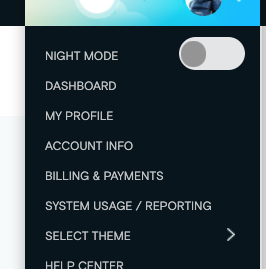
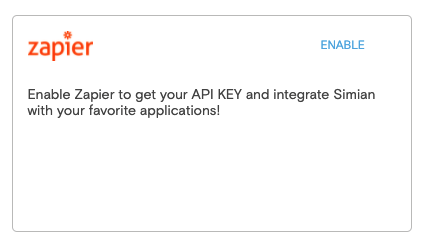
Once there, click the integrations ( <> ) icon in the action menu. Then click the Enable link to enable Zapier and get your API KEY.
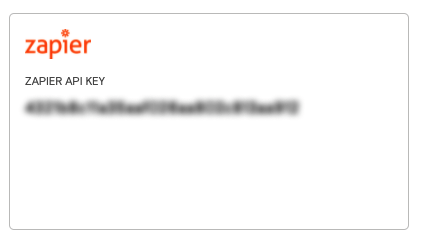
Your API key can be pasted into Zapier to set up your integration.
3) Once you have your Zapier account and API key, search for Simian within Zapier to start connecting to your favorite apps.