Learn how to present only the scenes you want others to see
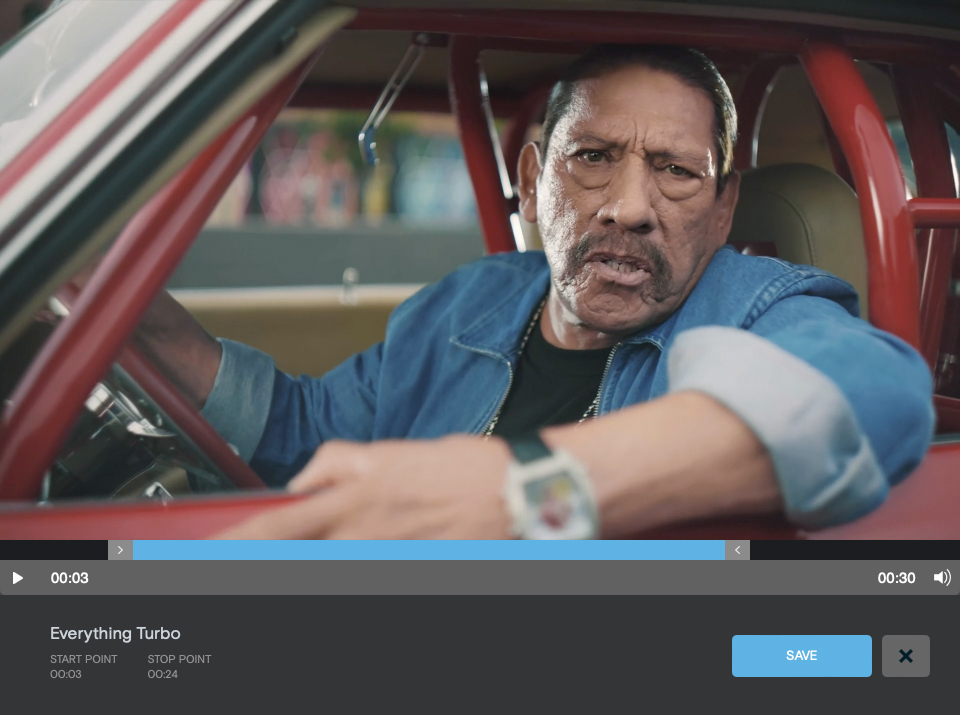
- Within the Reel Creator, on the right pane, click the Trim (scissors) icon next to a video. This will open a new window.
- Drag the start and stop points to the time range you want to play.
- Click Save.
Note: Using the trim feature on a video will not affect the video in previously sent reels. However, copying a reel with trimmed videos will retain the reel’s original settings.