Learn how to use the 360º/VR video player
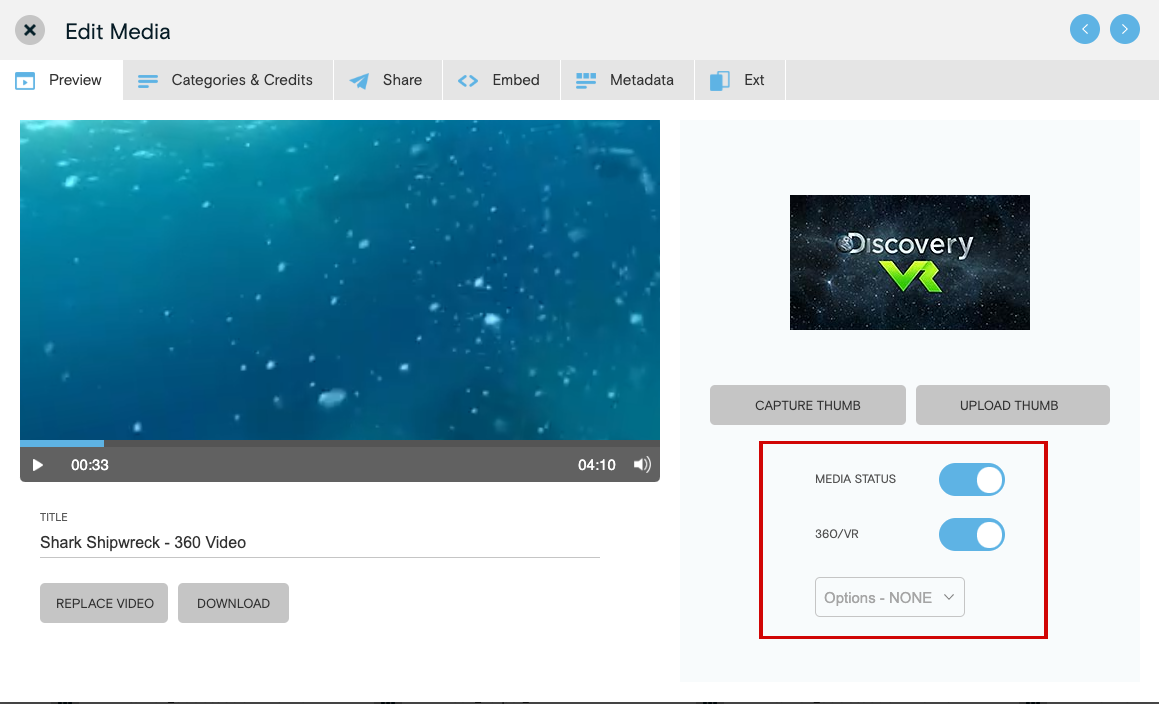
Enable the 360º/VR player in Media Library:
- Within the Media Library, click on the thumbnail of the desired video. This will open a new window.
- On the Preview tab, slide the Enable 360º/VR Player button to On.