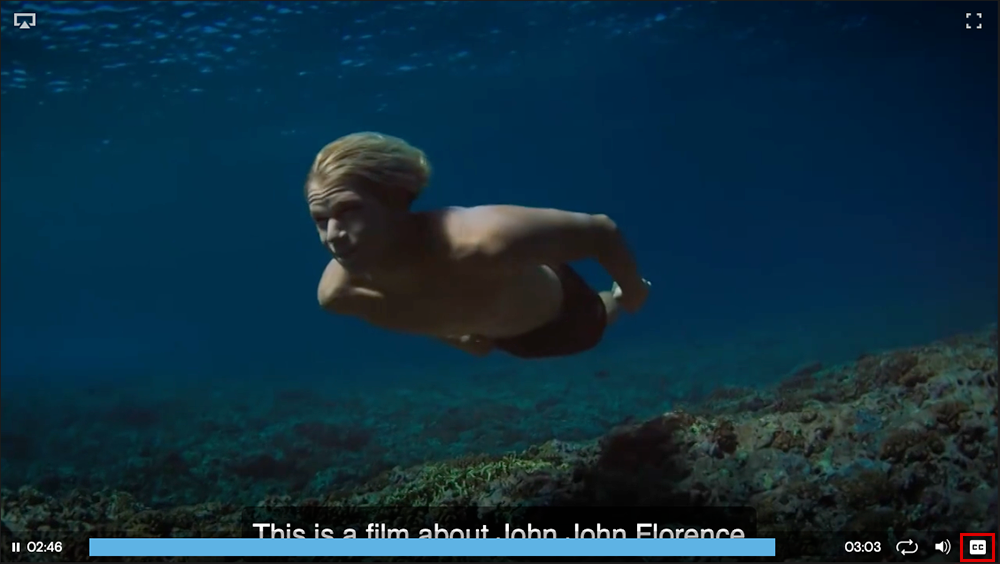
Learn how to add subtitles to a video
- Within the Media Library, click the thumbnail of the video file you want to add subtitles to.
- Click the Closed Captions tab.
- Upload your .VTT file.
Note: The CC button will appear on any video with a .VTT file uploaded.