Simian Pre-Launch Presentation Templates
New Reel Presentations Are Coming
A first look at refreshed designs and new ways to make every presentation more useful.
Fresh Ways to Present Your Work
New designs, refreshed favorites and updated typography will give you more ways to put the work in its best light.

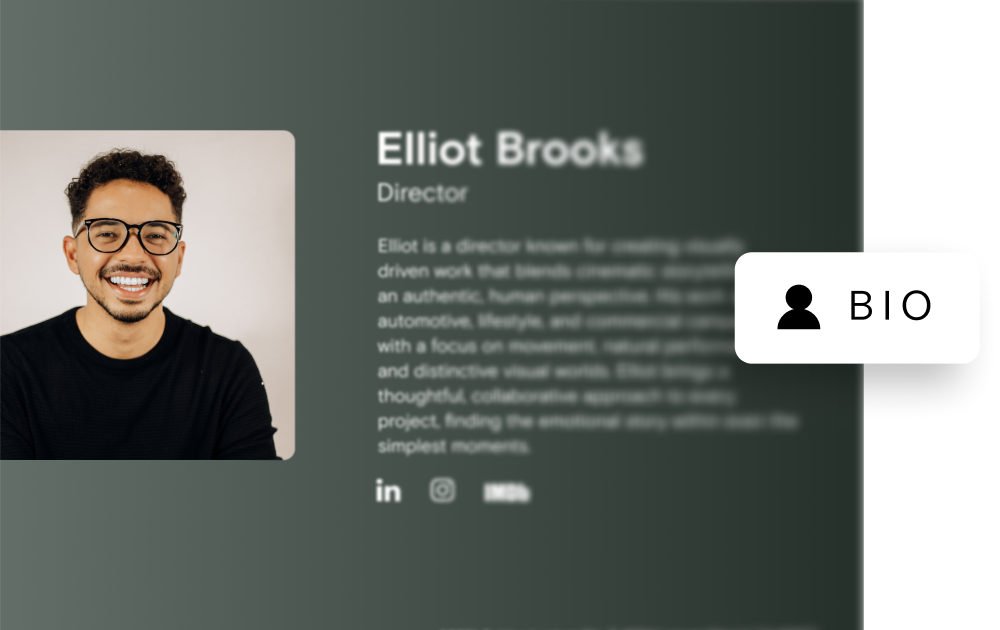
Bios, Now Part of the Presentation
When a bio is enabled on a reel, it will now appear directly at the bottom of the presentation - including existing reel presentations.
Viewers can learn more about the director, artist, company or work without opening a separate window.
Introducing More Like This
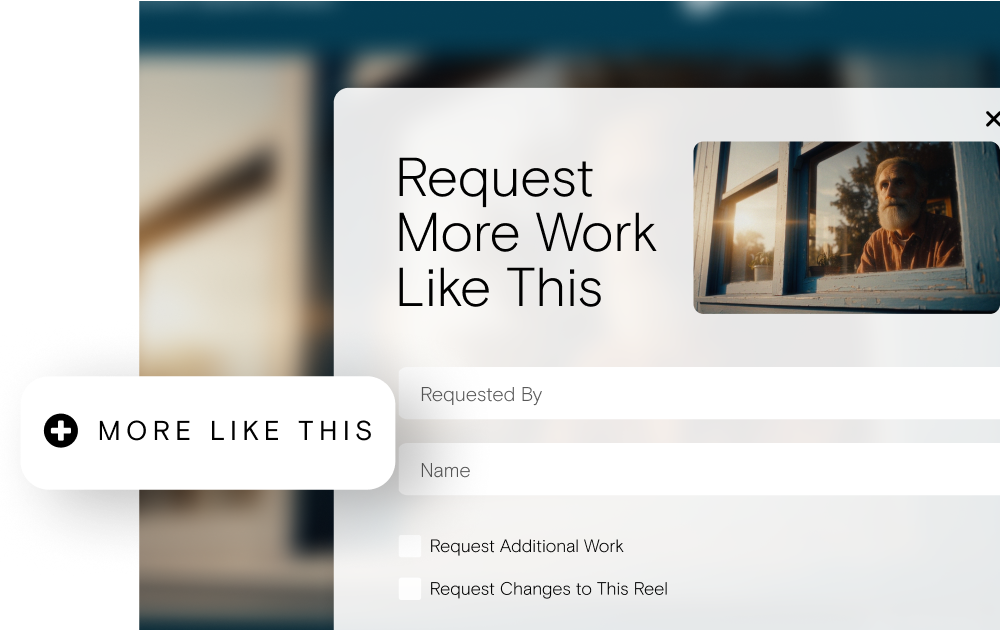
More Like This gives producers a simple way to request additional work options or suggest changes directly from the presentation they’re viewing.
The person who sent the reel will automatically receive an email notification whenever a request is submitted. More Like This will be enabled by default, with the option to turn it off when you don’t want to include it.
Before Launch
Review enabled bios
Any bio currently enabled on a reel will become more visible. Take a moment to make sure the information is accurate and current.
Include the right people
The reel sender will always receive More Like This notifications. To include an EP or another team member, add their email to the Reel Notifications field.
Know what to expect
More Like This will be turned on by default. You’ll have the option to turn it off whenever it isn’t appropriate for a particular reel.